
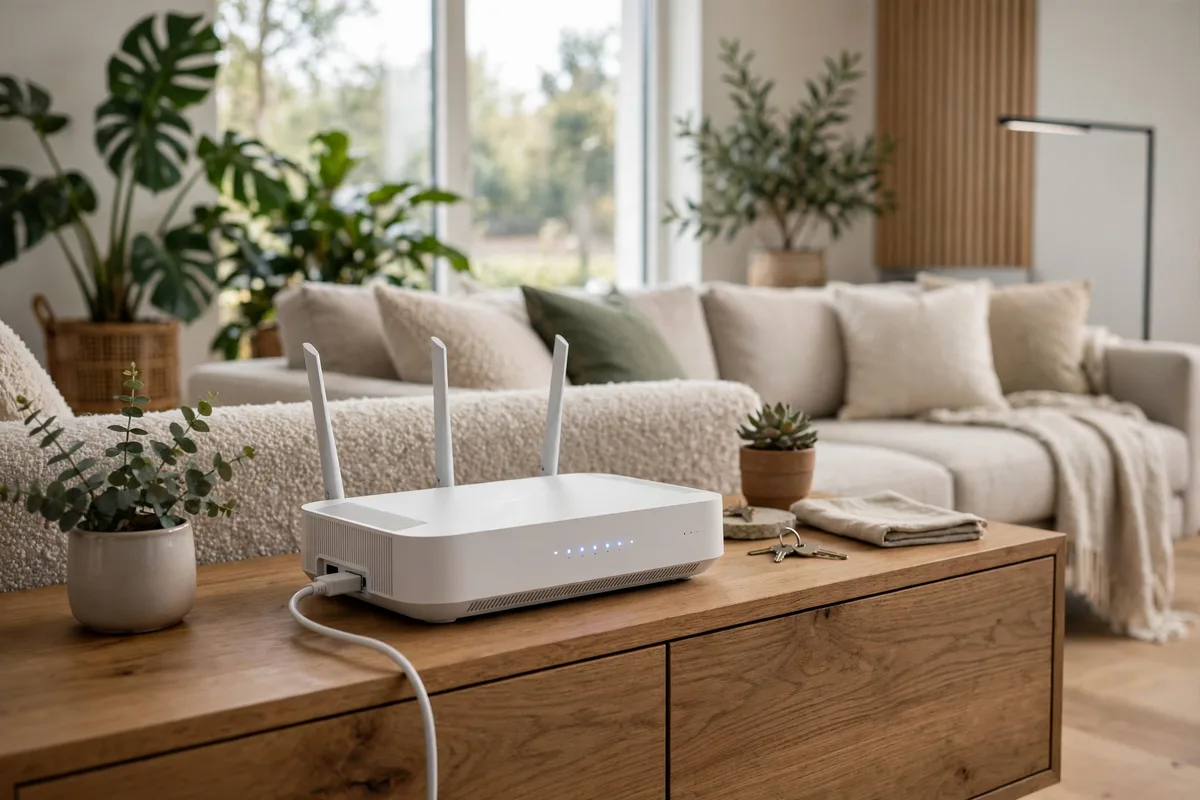
Few household frustrations are as reliable as a video call freezing mid-sentence or a film buffering at the worst possible moment. The good news is that most slow wireless is not a broadband problem — it is a home network problem, and home networks can be fixed. Learning how to improve home wi-fi starts with understanding that your router is a radio station broadcasting from one corner of your house, and everything between it and your laptop — walls, floors, fish tanks, neighbouring networks — weakens the programme. This guide works through the fixes in the order you should try them: free ones first.
Why your wi-fi feels slow
Three culprits explain most complaints. The first is placement: routers are usually installed wherever the broadband line enters the house, which is rarely where the signal is needed. The second is congestion: the average home now asks one router to serve phones, laptops, televisions, consoles, doorbells, thermostats and an ever-growing cast of connected devices — the same trend driving products like the smart beauty mirrors and connected appliances covered elsewhere on this site. The third is interference, from neighbouring networks competing for the same airwaves to thick masonry absorbing the signal. Diagnose which of the three you are fighting before spending anything.
Start with router placement — the free fix that works
Wi-fi spreads outward and slightly downward from the router, so a central, elevated position beats a floor-level corner every time. Move the router out of cupboards, off the floor and away from thick walls, metal objects, mirrors and large bodies of water. In a two-storey house, a hallway or landing near the middle of the building usually outperforms the traditional front-room corner. Even a move of two or three metres can transform the signal in the room that matters. If your router has external aerials, positioning them vertically is the sensible default for a single floor; one vertical and one angled can help across floors. Test signal strength with a free analyser app as you walk the house — it turns guesswork into evidence.
How to improve home wi-fi through settings
Use both bands, and name them clearly
Most modern routers broadcast on 2.4 GHz and 5 GHz. The 2.4 GHz band travels further through walls but is slower and more crowded; 5 GHz is faster over shorter distances. Put demanding devices — laptops, streaming boxes, consoles — on 5 GHz when they are near the router, and let distant or low-demand gadgets use 2.4 GHz. Some routers merge both bands under one name and steer devices automatically; that is convenient, but splitting the names gives you control when a device keeps choosing badly.
Change the channel
On 2.4 GHz, only channels 1, 6 and 11 avoid overlapping each other. If you and your neighbours are all on channel 6, everyone shouts over everyone. A Wi-Fi analyser shows which channels are busy nearby; switching to the quietest of the three is a five-minute job in the router settings. The 5 GHz band has far more channels and is rarely congested, which is another reason to prefer it nearby.
Update the firmware and restart properly
Routers are small computers, and like the connected systems transforming everything from the smart garage revolution to modern cars, they behave better on current software. Check the manufacturer’s app or admin page for firmware updates, enable automatic updates if offered, and restart the router once you have changed settings — a full power-off for thirty seconds, not just a lights-off pause.
When to add a mesh system or extenders
If the house is large, long, or built with thick internal walls, no single router can defy physics. Mesh systems replace the lone broadcaster with two or three cooperating nodes placed around the home, handing your devices from one to the next as you move. They cost more than a basic extender but fix dead zones properly rather than painting over them. Simple plug-in extenders are a reasonable budget answer for one weak room, though they usually create a second network name and halve the speed of what they repeat. Place any node or extender halfway between the router and the dead zone — at the edge of good signal, not inside the bad patch.
Give your network room to breathe
Every connected gadget competes for airtime, and the smart home keeps adding competitors: video doorbells, voice assistants, connected heating, even the vehicle systems described in our look at future mobility. Audit yours honestly. Devices that sit permanently in one place — televisions, desktop PCs, consoles — are almost always better on a wired Ethernet connection, which is faster, steadier and frees the wireless for things that move. Where cabling is impractical, powerline adapters that send data over your home’s electrical wiring can feed a static device without new holes in walls. Meanwhile, reviewing the network and innovation trends in our automotive innovation coverage makes one thing clear: the number of connected devices per household is only going up, so building headroom now is sensible. On the road, the same connectivity wave is reshaping EV servicing and diagnostics.
When the problem is the broadband, not the wi-fi
Run one honest test: plug a laptop directly into the router with a cable and measure the speed. If the wired speed is also far below what you pay for, no home wi-fi trick will fix it — the fault is the line, the provider, or your package. In that case, check the provider’s fault status, test at different times of day, and be ready to switch; full-fibre availability has expanded across much of the UK, and the difference it makes to a busy household is larger than any router upgrade.
The bottom line
Improving home wi-fi is a sequence, not a shopping list: place the router properly, tidy the settings, share the load between bands and wires, and add mesh only where physics demands it. Work through those steps and most homes discover the broadband they already pay for was there all along — it was simply stuck in the wrong corner of the house.